Open a file
Select or drag in a local PDF or image file. PDFs already open in the browser can also be imported.

Add-on for Chrome and Firefox
Chrome and Firefox are programs for opening websites. Freatix PDF & Bild Edit adds tools for PDFs and images. Version 0.4.2, publicly available for Firefox, also edits local PNG, JPEG and WebP files.
Firefox · Available · BetaFirefox 0.4.2 · Chrome: see current store version
Select or drag in a local PDF or image file. PDFs already open in the browser can also be imported.
Add check marks, text, comments and shapes. For images, move and resize the crop area; filled rectangles or circles cover selected areas.
Save under a new name: PDFs as PDF files and images in their original format. The source file stays unchanged.
New with Firefox version 0.4.2
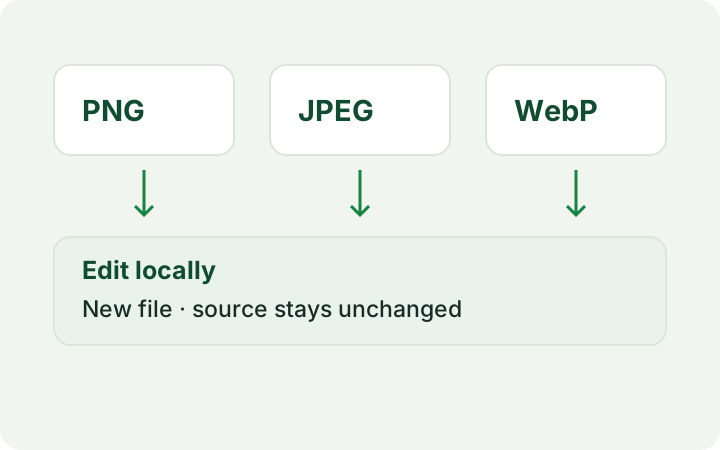
Alongside PDFs, open PNG, JPEG and WebP files. Add text and annotations, then save a new file in the original image format. The source file stays unchanged.
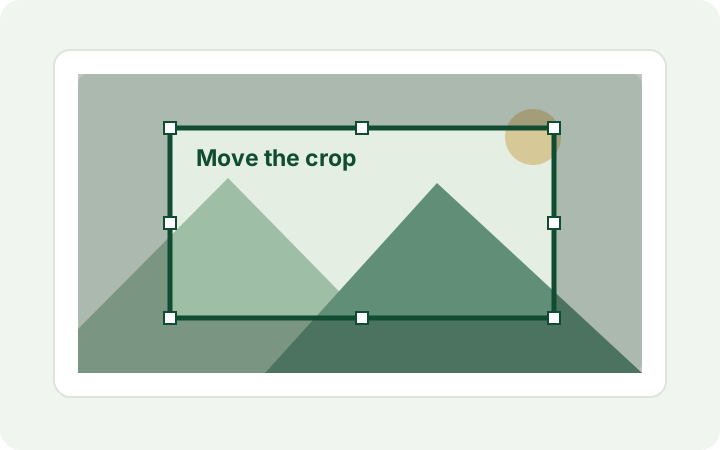
Move the crop freely and resize it using its edges. The chosen crop can be removed before saving.
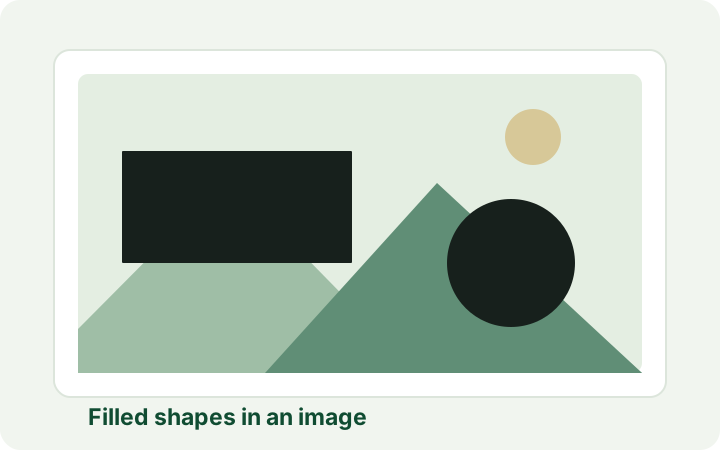
Rectangles and circles can now be filled, for example to black out image areas. Saving bakes them into the new image file. In PDFs, these shapes only cover content; they do not technically remove it.
View features
PDF and image contents are processed locally in the browser without uploading them to Freatix. No account is required. Importing a web PDF retrieves its original address. Filled shapes are baked into the newly saved image. In PDFs, they are visible covers; the underlying original content is not technically removed.
Firefox version 0.4.2 is publicly available according to the confirmed Mozilla approval. The Chrome link opens the official store; the version offered there applies. Public Chrome approval of 0.4.2 has not yet been confirmed here.
The interface, menu and bundled German PDF guide cover the expanded feature set. The interface and guide are currently in German.
Requires Firefox 140 on desktop or Firefox 142 on Android. If importing a local PDF directly is blocked, select or drag in the same file once.
Version 0.4.2
Version 0.3.13