Search and comment
Build the local search index, find messages with filters and attach comments to individual emails. The original message content stays unchanged.

Add-on for Thunderbird
Thunderbird is a program for reading and managing emails. Freatix MailTools adds local search, comments, expandable mail conversations, text snippets and image tools. Version 0.2.47 also adds optional comment reminders and scheduled sending from Drafts.
Available · BetaVersion 0.2.47 · Thunderbird 140 and later
Build the local search index, find messages with filters and attach comments to individual emails. The original message content stays unchanged.
Expand related indexed messages directly alongside the selected email. Lines show identified reply and forward branches; content loads only on request.
Enable reminders and scheduled sending when needed. Add a date to a comment or explicitly schedule an email. Thunderbird must be open and connected when sending is due.
New in version 0.2.47
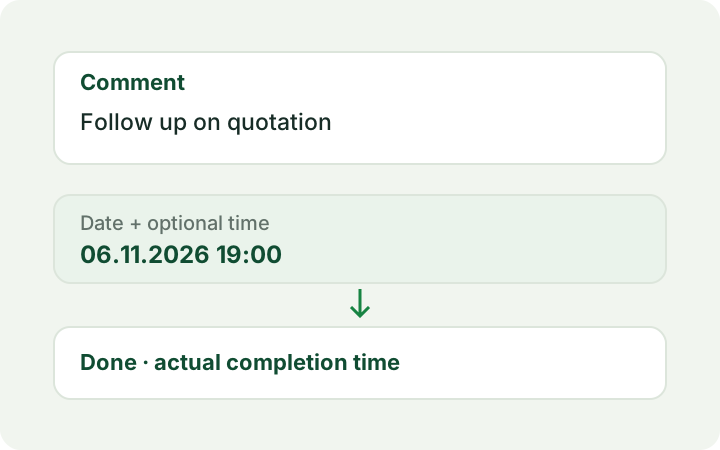
Optionally give a comment a chosen date and time. Today is prefilled; 1900 becomes 19:00. Completing it preserves the comment and actual completion time. Detected replies do not complete reminders automatically.
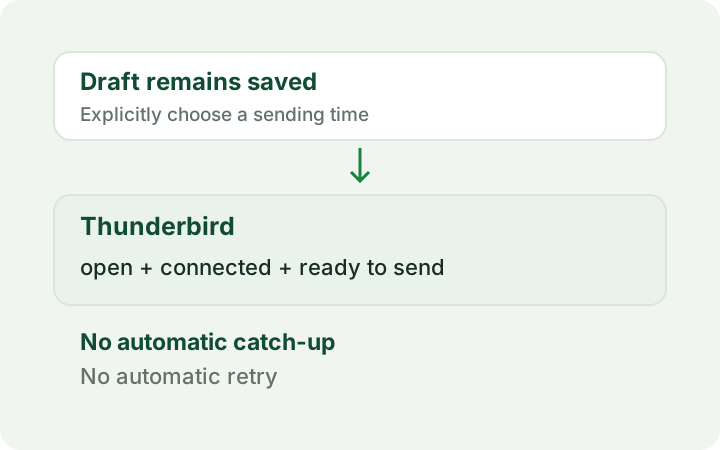
An explicitly scheduled email stays in Drafts until its due time. Thunderbird must be open, connected and ready to send. Missed times are not caught up automatically and uncertain transmissions are not retried. A post-send reminder is optional.
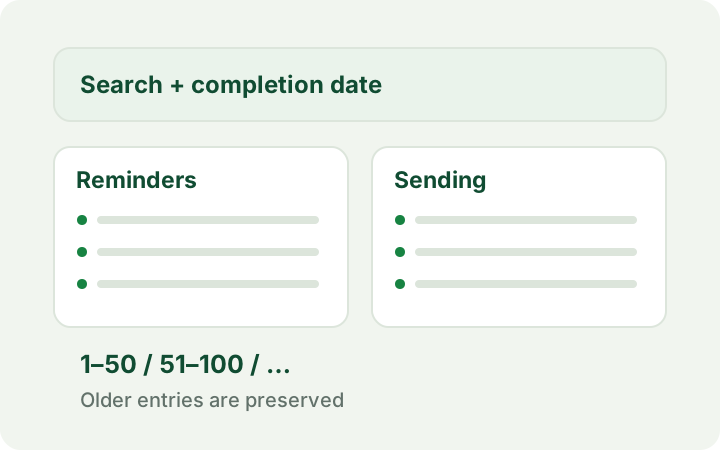
Completed reminders and sending histories are kept separately. Search and completion-date filters also cover older entries. Each page shows at most 50 entries, newest first. Nothing is deleted automatically.
View features
The search index, settings, comments and text snippets reside in the Thunderbird profile without additional MailTools encryption. Images are processed locally; source files stay unchanged. MailTools contains no telemetry and sends no data to Freatix. Thunderbird may retrieve messages from the email provider and synchronize comment markers. Comment text stays local unless included in print or PDF output. Inserted snippets and edited images become part of the email when it is sent. Reminders, send plans and histories are also stored locally in the profile. Full drafts remain in the configured Drafts folder and may be synchronized by the email provider. Thunderbird sends scheduled messages through the configured account to the selected recipients; there is no external Freatix sending service.
Version 0.2.47 is available in the official Thunderbird Add-ons directory and is marked as beta. It supports Thunderbird 140 and later, with a German and English interface. Normal updates reuse comments and settings; uninstalling first is unnecessary.
Text snippets and image tools require additional permission to edit message drafts. The local search index must be built first; results may be incomplete until indexing finishes. Thunderbird may retrieve messages that are not yet stored locally from the configured email provider. Full privacy information is available in the store listing.
Reminders and scheduled sending start disabled. Saving drafts, sending messages and moving messages require separate optional permission grants; desktop notifications are independently optional.
Scheduled sending requires Thunderbird to be open, connected and ready to send. There is no offline queue. Missed times are not caught up automatically and uncertain transmissions are not retried automatically. Changed or ambiguous drafts are not sent automatically; encrypted or signed scheduled messages are excluded.
Returning to an older add-on version requires a previously saved copy of the Thunderbird profile.
Version 0.2.47
Version 0.2.46
Version 0.2.45